ContentstackUI Tutorial & Explainer Series
Contentstack shipped major updates to its headless CMS. I turned the new developer and editor workflows into a series of short, clean video walkthroughs that show people exactly where to look and what to click.
Make a powerful new interface easy to learn
Contentstack launched major updates to its headless CMS platform. The new features were powerful, but users needed a fast, intuitive way to understand how to navigate the new interface.
The goal was to build a series of clean, engaging video walkthroughs that turned complex developer and editor workflows into simple, bite-sized visual steps.
Screen recordings show everything at once
Visual clutter
Raw screen recordings are visually dense and hard to track. Menus, dashboards, and nested data easily overwhelm viewers.
Keeping viewer focus
Without careful direction, eyes wander across the screen. The video needed to clearly signal exactly where to look at every moment.
Pacing technical content
Moving too fast leaves users behind, but moving too slow makes technical explanations tedious.
Directing the screen like a camera
Fourteen loops, from first login to first release
Each loop covers one task in the platform, grouped by the workflow it belongs to.
Dashboard
Orienting users in the new home view
Getting startedStack settings
Configuring a stack step by step
Getting startedUsers & roles
Inviting teammates and assigning permissions
Getting startedContent type builder
Drag-and-drop field configuration
Content modelingManage content types
Editing and organising schemas
Content modelingContent creation
From blank entry to first draft
AuthoringEntry list
Browsing and filtering entries
AuthoringEntry editor
Focused editing with rich text and references
AuthoringCompact view
Switching to a denser list layout
AuthoringAsset list
Navigating the asset library
AssetsView assets
Previewing and inspecting files
AssetsSearch
Finding content across the stack
AssetsPublish queue
Tracking scheduled and live publishes
PublishingReleases
Bundling entries into a single deploy
PublishingRebuilding the interface before animating it
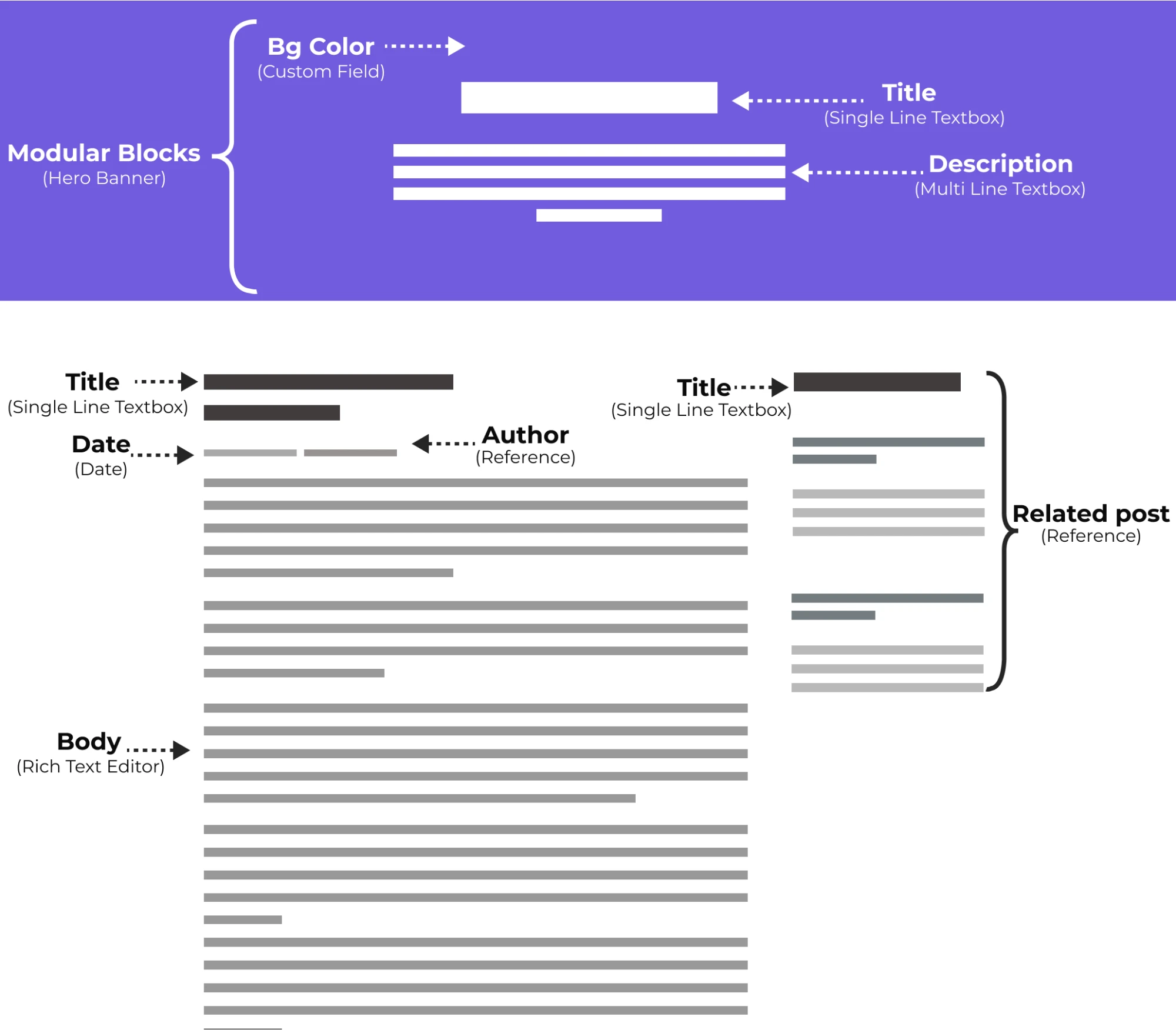
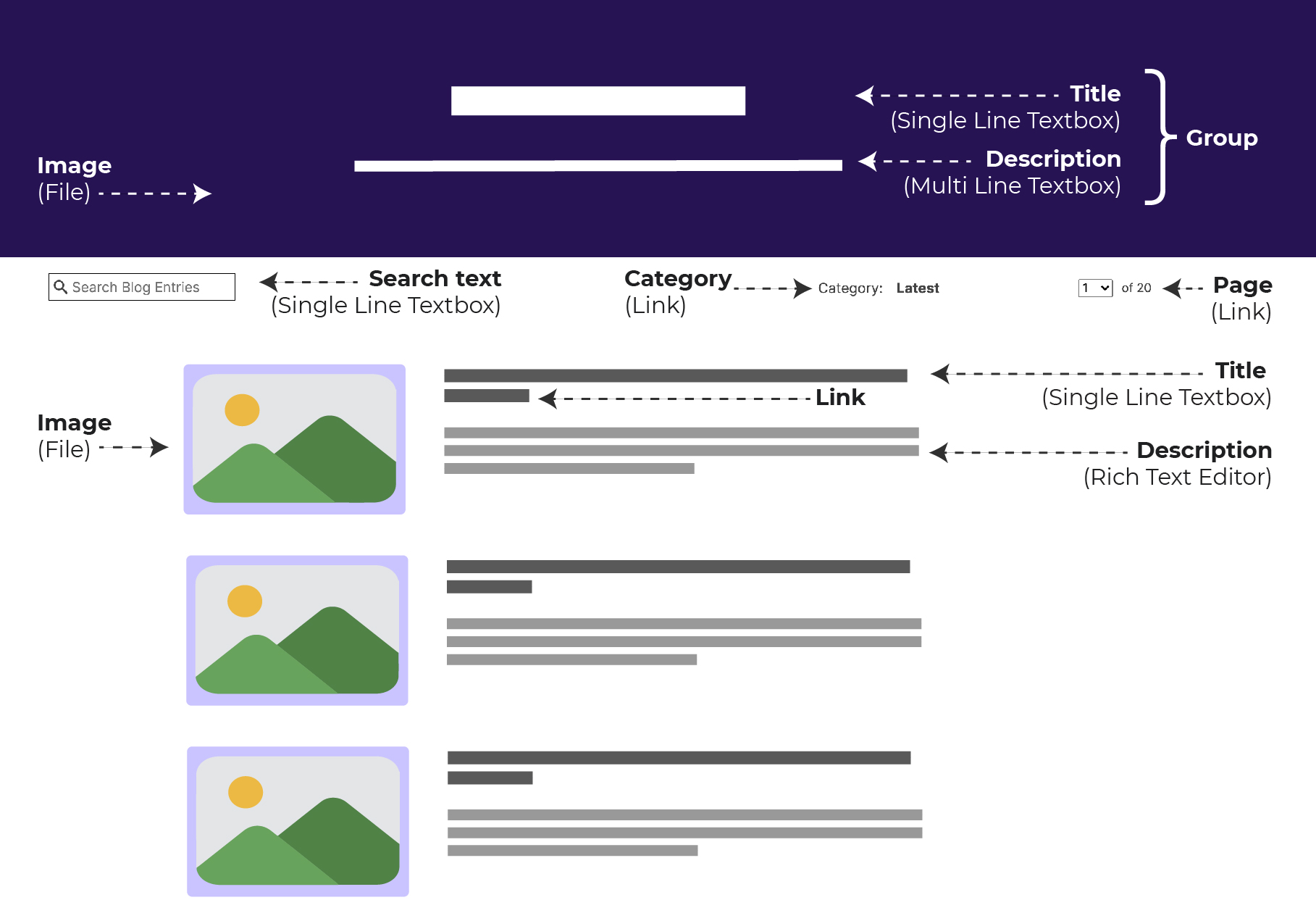
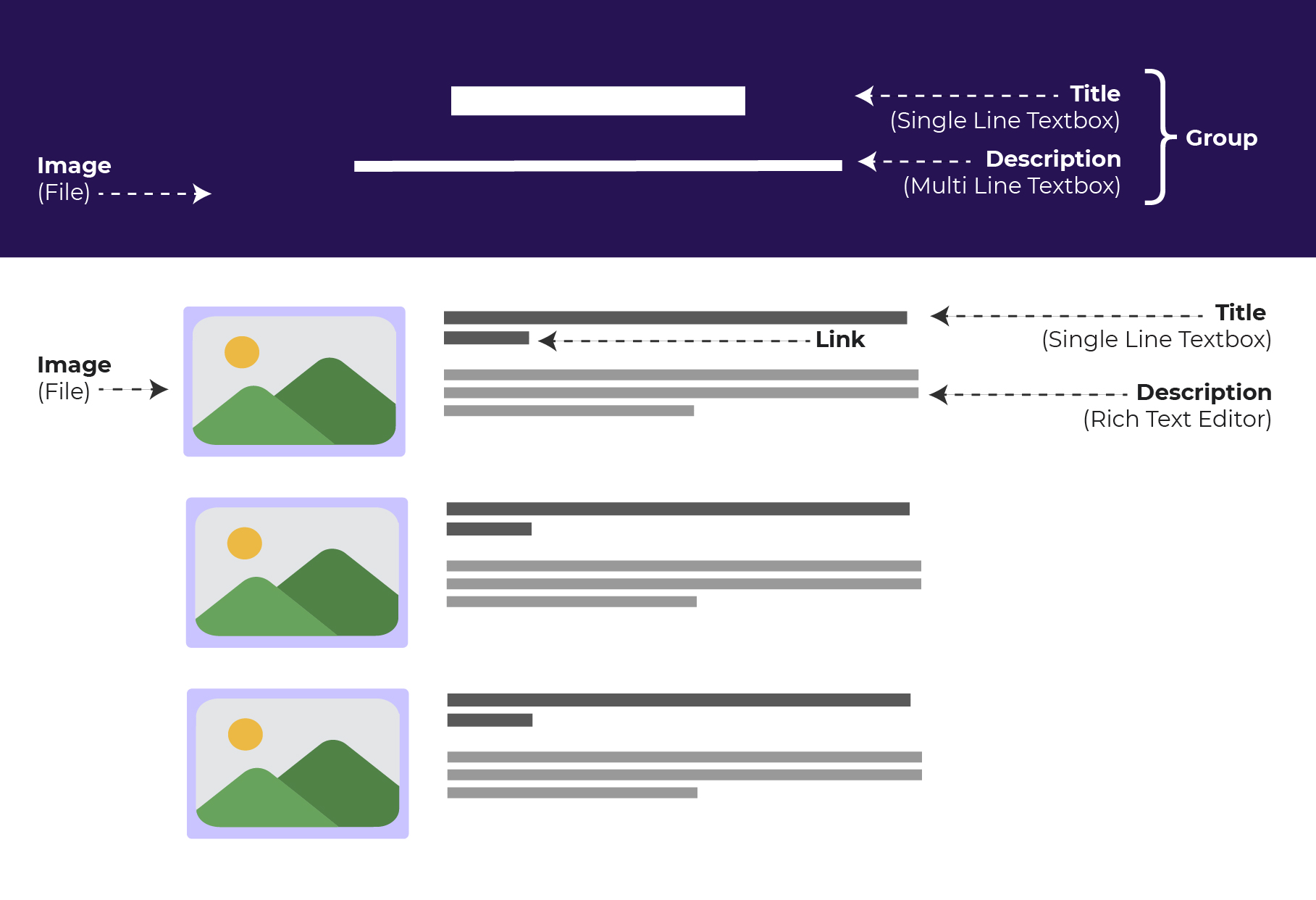
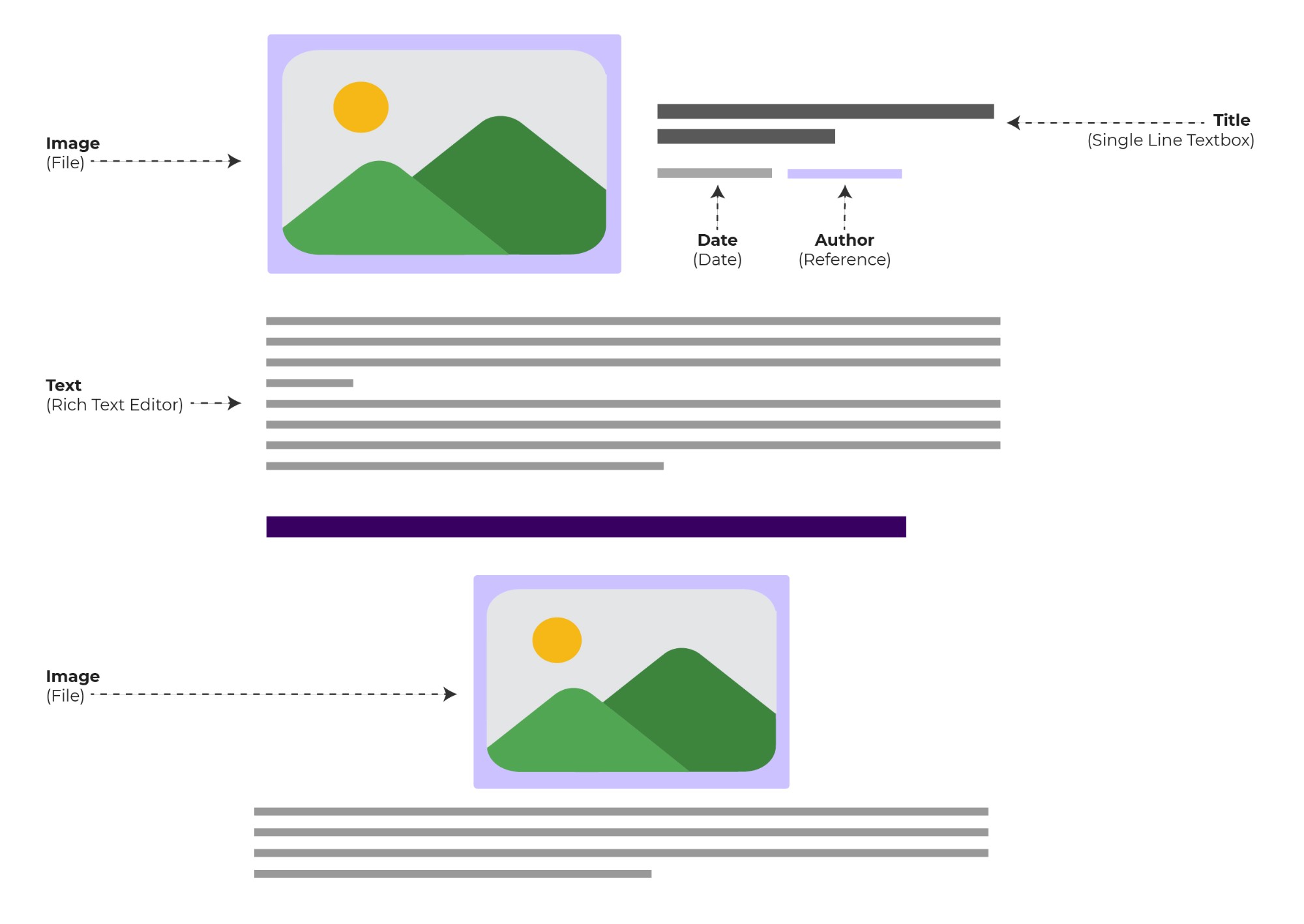
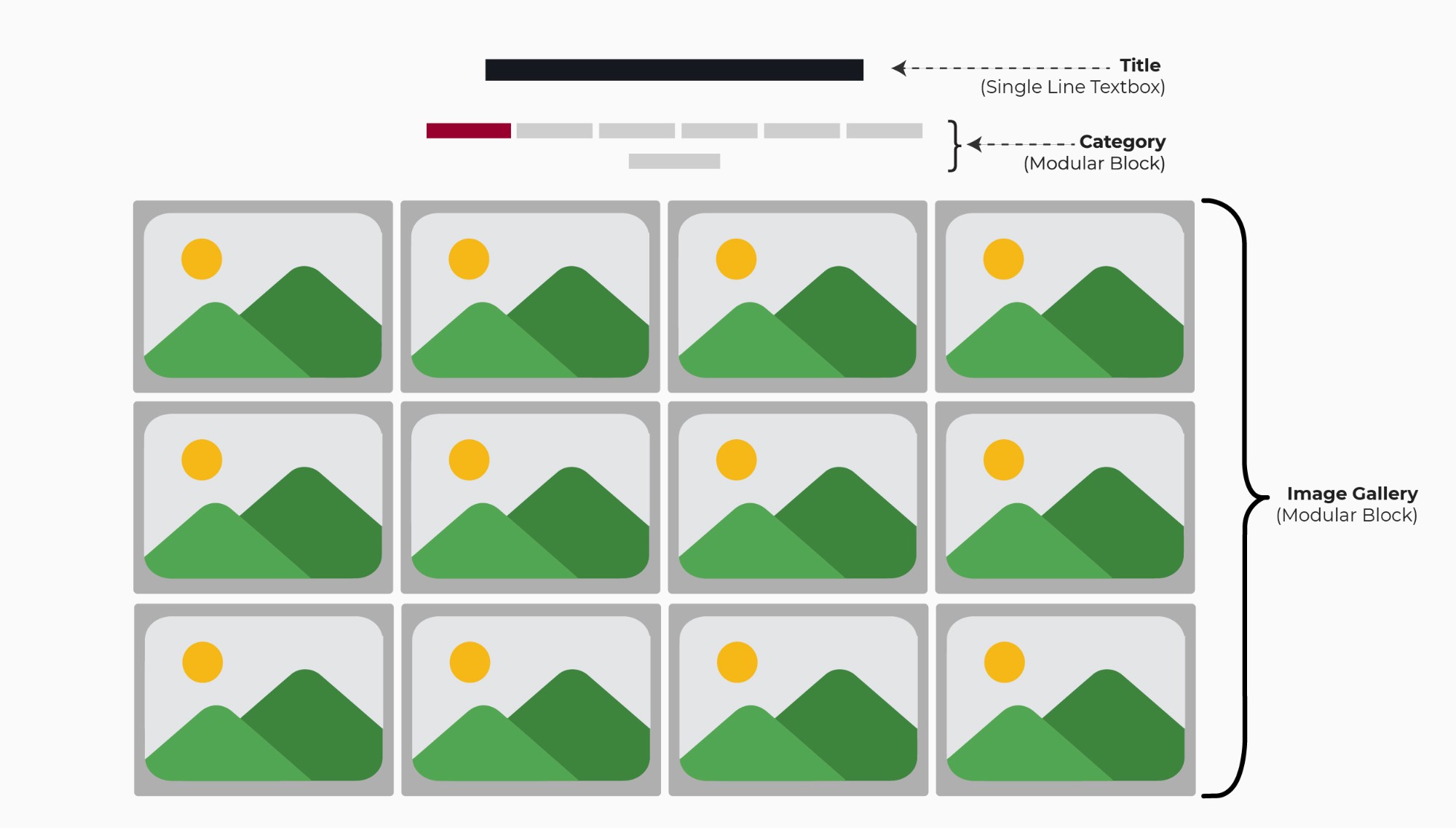
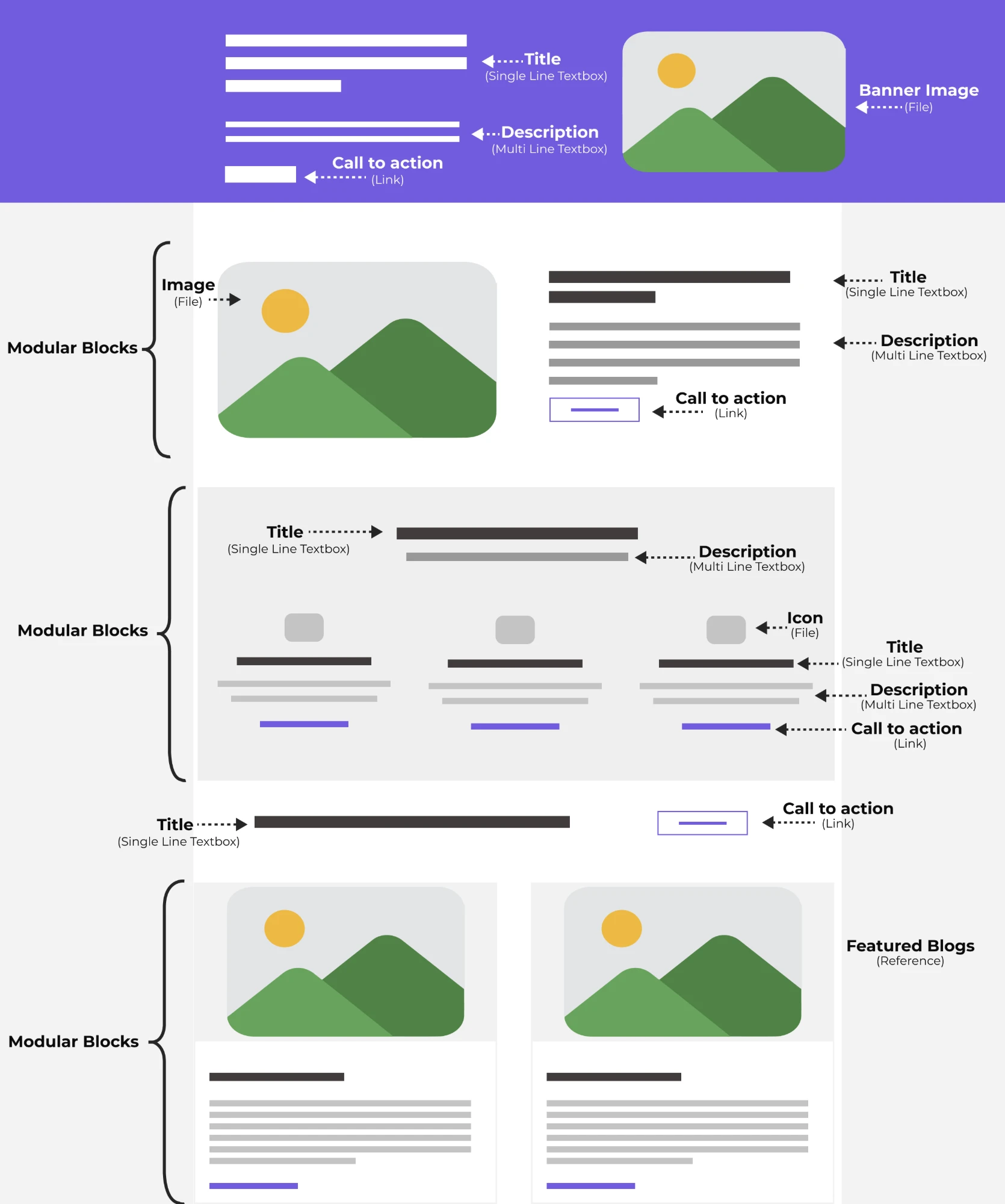
Key screens were redrawn as clean vector frames. With live data stripped out, only the structure each walkthrough needed to explain remains: which block holds which field, and how content types connect through references.
Live on Contentstack's YouTube channel
Every video in the series is published on Contentstack's official channel, in one playlist.