top of page
Back to Projects
2 years
Contentstack Platform Redesign
Led the comprehensive redesign of Contentstack's enterprise CMS platform — building a modular UI system from scratch, redesigning core workflows, and creating interactive motion assets that transformed how users understand and adopt the product.

Tools
Figma, After Effects, Lottie, Photoshop
My Role
UI/UX Designer · Motion Graphic Designer
Team
UI/UX, PM, Frontend & Backend Dev
Duration
2 years
Project Overview
Contentstack is a leading headless CMS trusted by enterprise teams at companies like Unilever, Mattel, and Saks Fifth Avenue. As the platform scaled, so did its complexity — users were navigating a product that had grown faster than its UX.
Over two years, I led the redesign of the platform's core interfaces: content creation, asset management, user roles, workflows, and the global dashboard. The goal was to build a cohesive, modular design system that could scale with the product while dramatically reducing user friction.
The Challenge
Complex workflows
Users navigated deeply nested menus to accomplish basic content tasks, leading to fatigue and frequent drop-off mid-workflow.
Inconsistent UI patterns
Components across the platform used different interaction models, forcing users to relearn behaviours across modules.
Poor information hierarchy
Critical actions competed visually with secondary ones, increasing cognitive load and error rates for enterprise users.
The Solution
Modular UI System + Motion-Driven Onboarding
Developed a modular, component-first UI system that unified interaction patterns across the platform. Paired this with a suite of interactive UI animations — micro-interactions, onboarding walkthroughs, and feature explainer videos — so users could see the product think before they clicked.

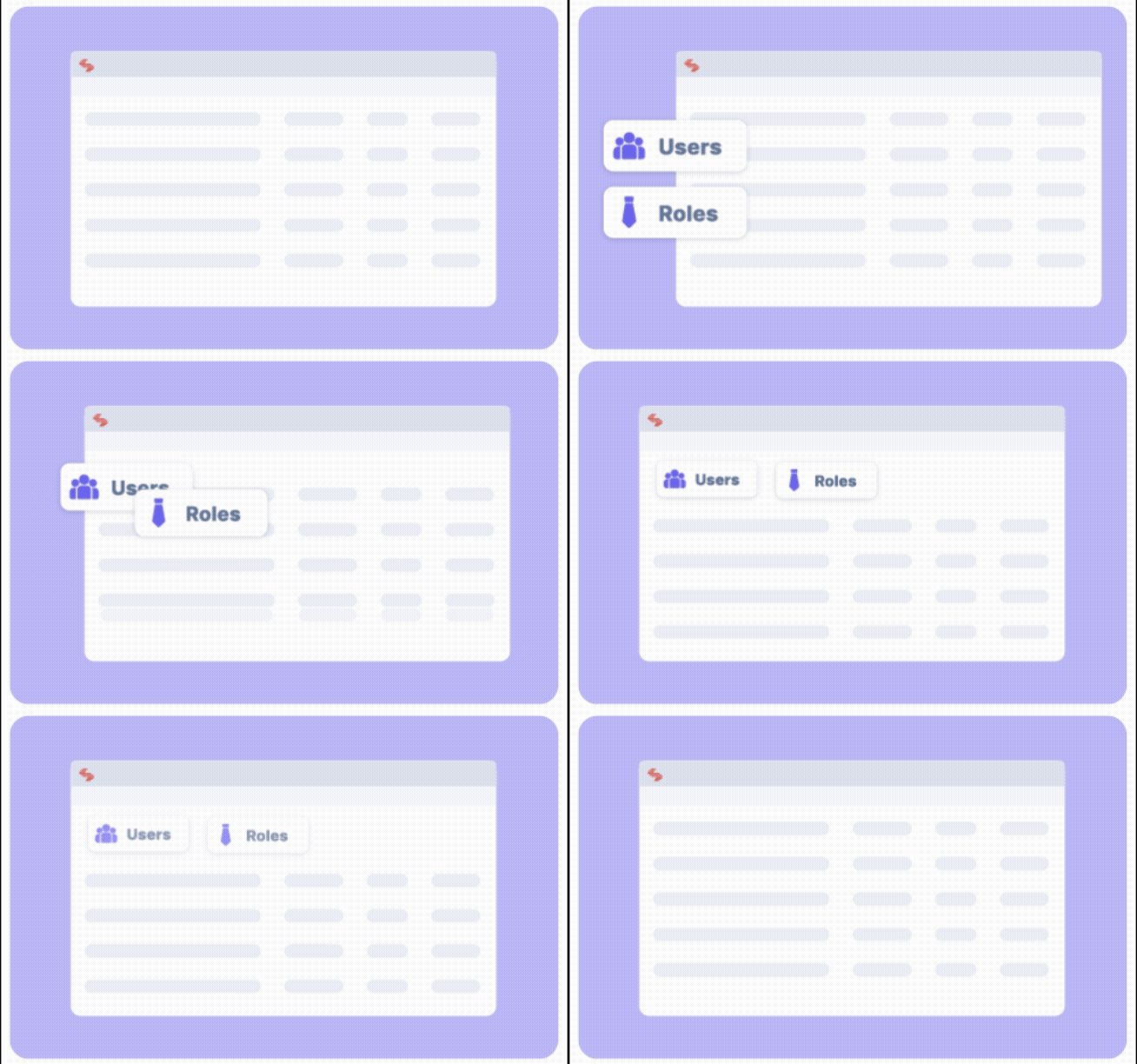
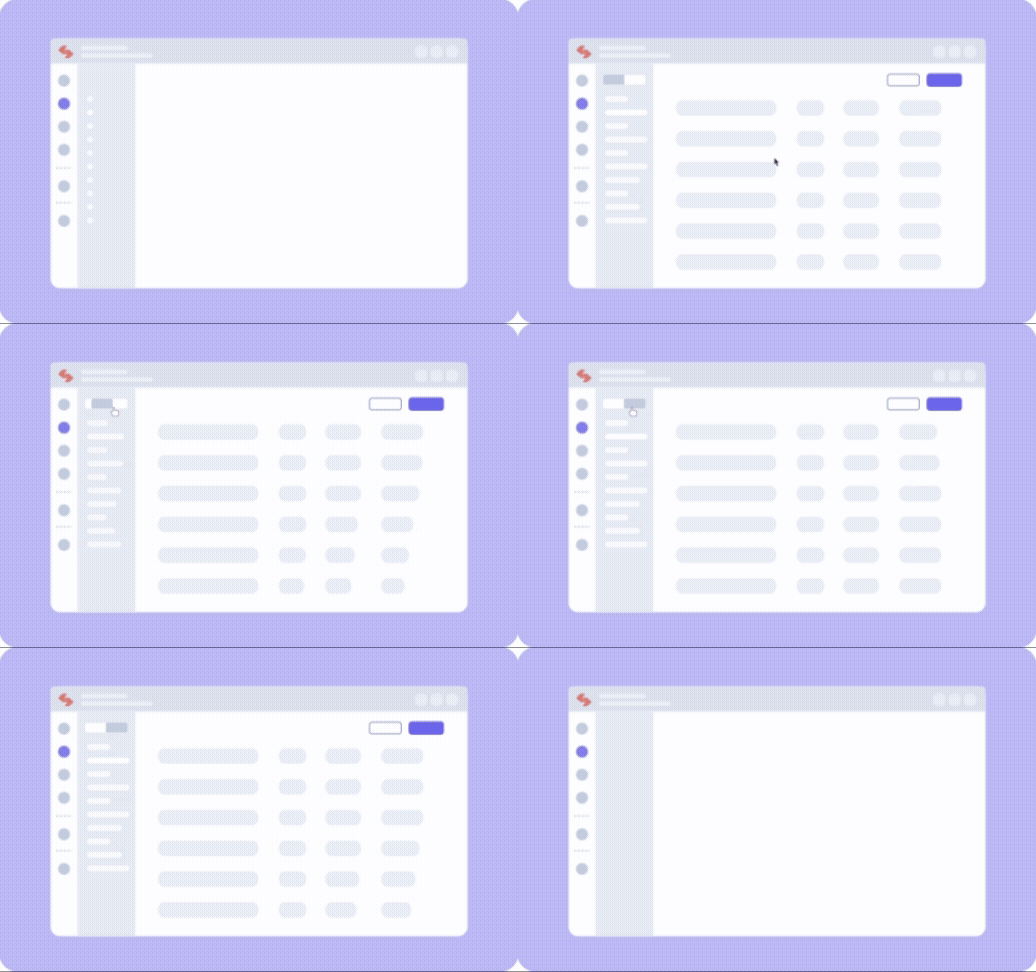
Simplified Motion Graphics
To bridge the gap between complex functionality and user intuition, I designed a series of simplified motion graphics. These animations serve as a visual guide within the platform, breaking down core features — such as the Content Type Builder and the Publish Queue — into digestible, step-by-step demonstrations. By distilling the interface into clean, high-level abstractions, these assets reduce cognitive load and empower users to navigate the redesigned ecosystem with confidence.




Design-to-Dev Handoff
Content Architecture
To ensure a seamless transition from static mockups to a functional Headless CMS, I created these structural blueprints to define the relationship between UI elements and data fields. By explicitly mapping every component, I provided developers with a clear roadmap for building flexible, scalable content types.
Reusable Components
Grouped related fields — such as a Title and Description — into Groups to ensure consistent data structures across different page templates.
Relational Logic
Established References for dynamic sections, such as Author profiles and Related Posts, to automate content discovery across the platform.
Data Type Definition
Standardized input requirements by labeling each element as a Single Line Textbox, Rich Text Editor, or File field for images.
Modular Block Mapping
Defined how high-level layouts, like Hero Banners, translate into Modular Blocks containing specific fields like Custom Color pickers and Multi-Line Textboxes.


Design Process

Discovery & Audit
Conducted heuristic evaluation and stakeholder interviews to document 80+ usability issues across the platform.
User Research
Ran moderated usability tests with 20+ enterprise users to identify workflow pain points and mental model mismatches.
Information Architecture
Rebuilt the IA with card sorting and tree testing, reducing navigation depth from 5 levels to 3.
Modular Design System
Created a component library in Figma covering 60+ reusable UI patterns — forms, tables, modals, and data visualisations.
Motion & Micro-interactions
Designed UI animations and interactive walkthrough videos to onboard users and showcase feature flows.
Iterative Testing
Ran 4 rounds of prototype testing, iterating on navigation, empty states, and content creation flows.
An end-to-end walkthrough showcasing the refreshed Contentstack interface — highlighting key user journeys, simplified navigation, and enhanced modular workflows. Feature-focused clips explain each specific functionality and how it fits into the overall experience for stakeholders and onboarding.
Full Platform Walkthrough
Results & Impact
85%
User Satisfaction
Increase in user satisfaction scores
40%
Task Completion
Faster task completion time
60%
Error Reduction
Reduction in user errors
92%
Adoption Rate
Feature adoption rate

Key Learnings
Modular design systems in enterprise platforms dramatically reduce design and dev debt over time.
Continuous user feedback loops — not just at launch — are critical for adoption in complex SaaS tools.
Balancing feature depth with usability requires ruthless prioritisation and clear hierarchy.
Effective design–development collaboration relies on shared language: annotated specs, not just visuals.
Key Outcomes
Significantly improved user experience with streamlined workflows
Reduced learning curve for new users through intuitive interface design
Enhanced platform scalability with modular component system
Improved content management efficiency for enterprise clients
Next Steps
Implement advanced automation features based on ongoing user feedback sessions.
Expand the design system to cover additional platform modules and edge cases.
Develop fully mobile-responsive interfaces for on-the-go content management.
Integrate AI-powered content suggestions and real-time optimisation tools.
bottom of page